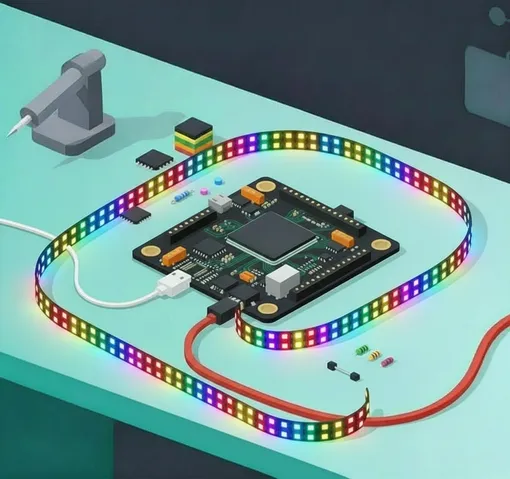
Controlling LED strips
Recently I started looking into custom LED implementations and decided to put my notes and findings alltogether. So I created this is an introduction into custom LED strip configuration.
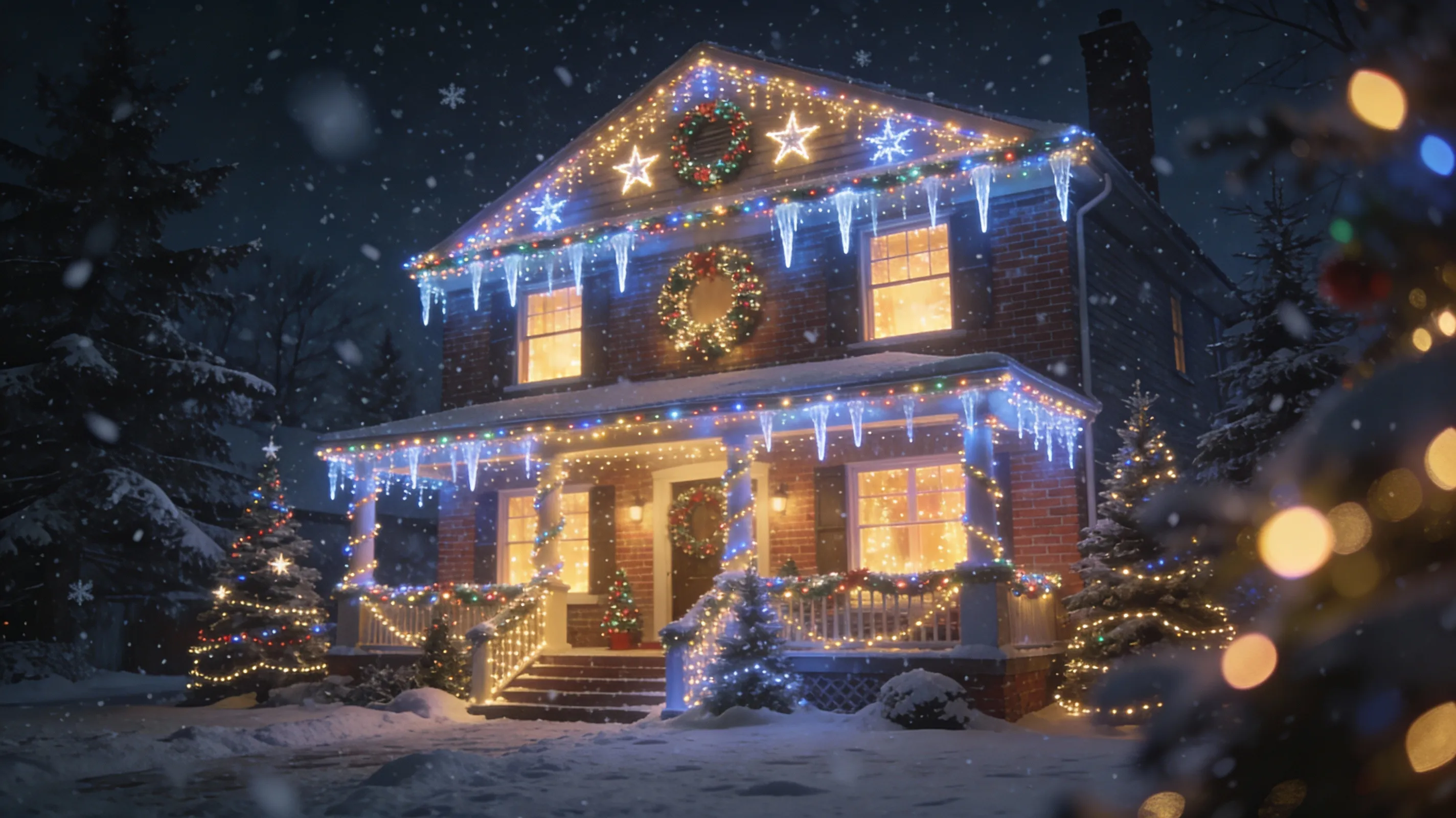
There are many useful examples for a LED strips:
- Christmass house decoration
- Indoor room decoration, ambient light, etc.
- Custom logo design
- Car LED control
- and many more…
A few components needed for a setup:
- LED strip
- Power supply
- LED controller board (or DMX controller)
- lighting scene design software
- (optionally) Sequence player and board for it
LED Strip
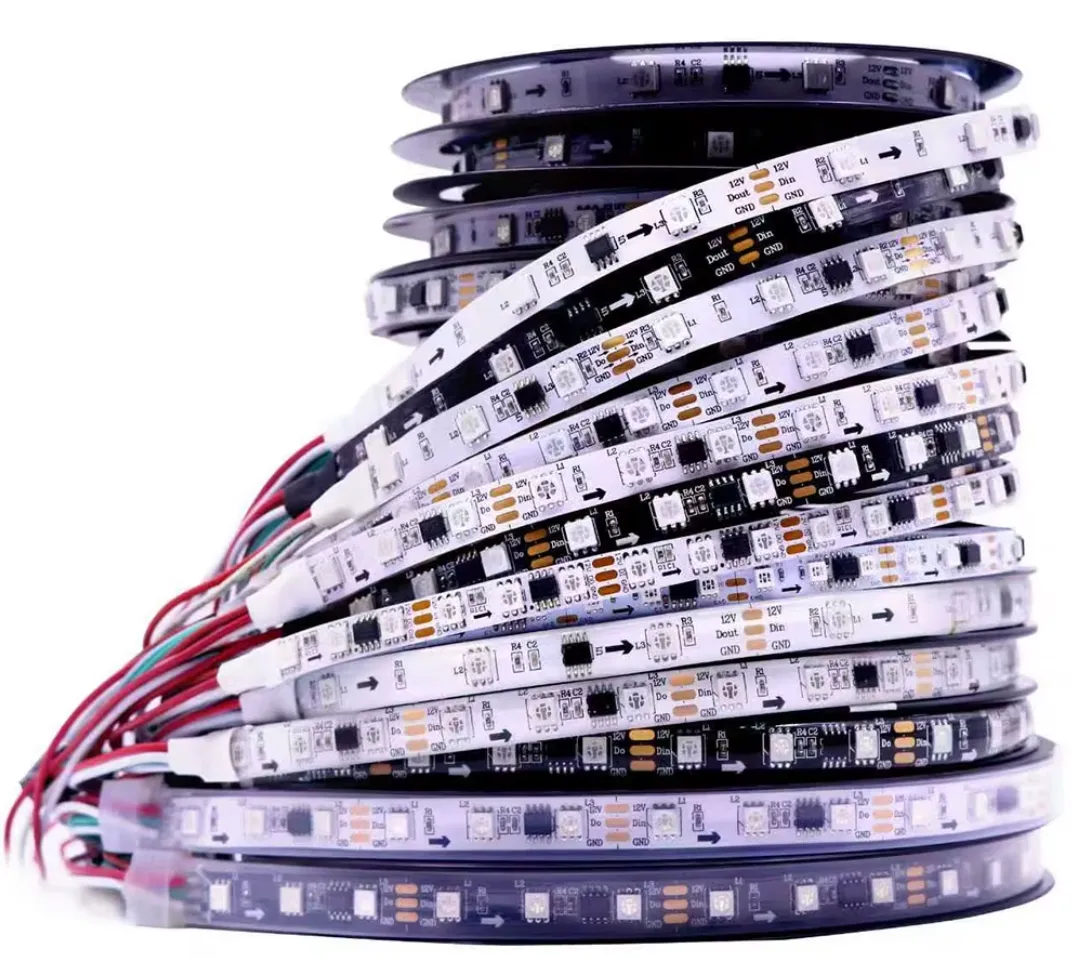
There are many LED strips on aliexpress, ebay and amazon, here are few examples:
5V are more popular:
WS2812 - cheap good LED strip
WS2812b - improved version of WS2812
SK6812 - Diodes designed with a separate white light which improves white brightness and color quality
- IP30 - no water protection and dust resistance - good for indoors
- IP65 - Dust + water protection: low-pressure water jets like rain or splashes
- IP67 - Dust + water protection: superior protection against temporary water immersion
12/24V Led strip: https://s.click.aliexpress.com/e/_c3IpQr1h
Controller board & Software
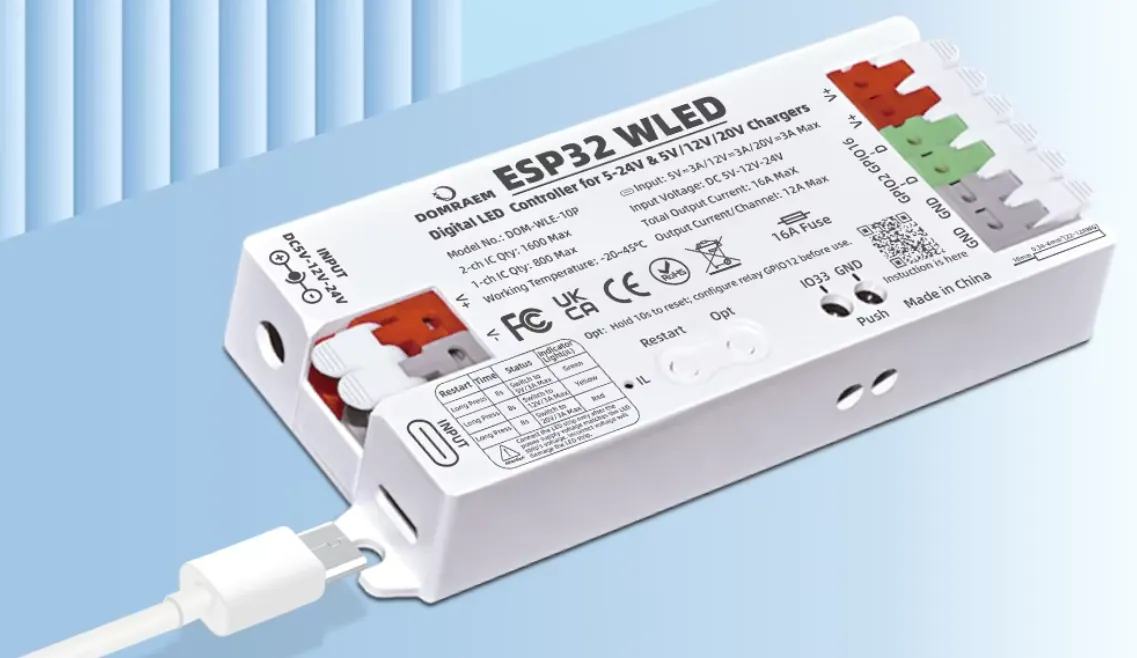
Most popular solutions are based on ESP32/ESP8266 or arduino boards. There are multiple paths available:
- Get ESP board, install WLED firmware, integrate it with scene design software - xLights and sequence player - FPP (Falcon Player). Note that sequence player will require a computer or raspberry pi to operate.
- Get any DMX board (like this one) + optionally dmx console.
- Custom implementation using open-source libraries, for example - FastLED. This requires a lot of coding. I won’t go into details, there is a cool tutorial/introduction on youTube.
- There are commercial solutions, for example - Advatek PixLite. It supports most of pixel protocols and it’s used in production environments, such as music festivals or exhibitions. But we don’t want to go this path.
If you decided to go with (#1) ESP+WLED approach, you can pick already polished solution with all required electronics and protection. Here are some examples:
- ESP32 WLED controller - it has wifi module and comes with USB-C port
- Magwled controller - it has wifi module and comes with USB-C port
Or you can design it from the scratch. You would need the following:
- ESP board with wifi
- Power supply + wires + fuse
Power supply selection
In all cases you would need AC->DC power supply. Depending on which controller board you selected, you may pick a powerful phone-charger power supply with USB-C and PD support or classic power supply:
You should also consider Power Injection when you designing big projects with many LEDs. When LEDs connected sequentially, at some point strip may loose brightness due to LED and wires resistance. Solution for that is power injection. There are 3 ways how to do it:
- Connect power from another output socket on a controller board
- Connect power directly from a power supply (use fuses!)
- Connect power from a separate power supply (use fuses!)
Software
Controller software.
Depending on which controller board you plan to run the setup, it may vary. It could be ESP board with WLED firmware, DMX controller or some commercial all-in-one solution like mentioned above. Alternatively you could program your LED controller by yourself using open-source libraries like mentioned above.
Most popular open-source solutions are WLED and FastLED:
- WLED - plug and play open-source solution with web UI designed for ESP32/ESP8266 boards
- FastLED - library for programming LED strips, could run almost everywhere
Scene design software
You need a scene design app to design a pattern how your LED lights will turn on and off. It works in live, and talks directly to your controller board over wifi, ethernet or USB (in case of DMX controllers).
You may connect multiple controllers and stream to all of them from your PC.
There are few open-source solutions:
- xLights
- LED Matrix Studio
- QLC+ - supports DMXs and ESP boards and many more.
Sequence player
Once you designed a scene, you can run it from your PC. But what if you don’t want to keep your PC ON all the time just to operate LEDs in your garden? If you have a WLED controller, you can run it from your mobile phone and be happy with it. But what if you have multiple LEDs with multiple controllers? For this case you can use a sequence player. There is one open source and most popular sequence player - Falcon Player (FPP). You can run it over raspberry PI, upload scene to it and keep it running. But yes - you need something to run it and even raspberry PI zero should be enough for it.
And same as in scene design software, player can control multiple controller boards simultaneously.
Quick summary
If you lazy to read everything and want to try yourself, here are some simple options:
- Grab ESP32 WLED controller, use your phone adapter with usb-c and PD, connect ESP32 over wifi, grab cheap WS2812 strip - this is good beginning combo. You can control LED from your phone in your browser. This is good for your indoor design if you don’t want to buy overpriced yeelight or xiaomi led strips.
- If you want to design some animated scene for indoors/outdoors and if you need maaany LEDs, you may consider either buying miltiple ESP32 WLED boards or buy a powerful power supply and do power injection. Just keep in mind that there are limits for segments, pixel count and leds strips used in a single controller.